Creating a home office that feels both cozy and productive can make a world of difference in your work-from-home experience. Whether you have a dedicated room or a small corner, designing a space that inspires focus while offering comfort is key. In this post, we’ll explore practical tips to help you set up a home office that boosts productivity and feels welcoming at the same time.
Choose the Right Location
Consider Natural Light
Natural light improves mood and helps reduce eye strain. If possible, position your desk near a window to take advantage of daylight. Avoid glare on your computer screen by placing your monitor perpendicular to the window rather than directly in front or behind it.
Minimize Distractions
Select a quiet area away from household noise. If space is limited, use room dividers, curtains, or noise-cancelling headphones to create a more focused environment.
Invest in Comfortable and Functional Furniture
Ergonomic Chair
A good chair supports your back and encourages proper posture. Look for adjustable features such as seat height, lumbar support, and armrests to match your body comfortably.
Practical Desk
Choose a desk with enough surface space for your computer, notepads, and other essentials. Consider desks with built-in storage or space underneath to keep the area tidy.
Adjustable Options
If possible, try a sit-stand desk to alternate between sitting and standing during the day. This can help reduce fatigue and improve circulation.
Personalize Your Space
Add Cozy Textiles
Incorporate soft elements like a plush rug, throw pillows, or a cozy blanket. These small touches make the room feel more inviting and can increase comfort during long work hours.
Use Plants
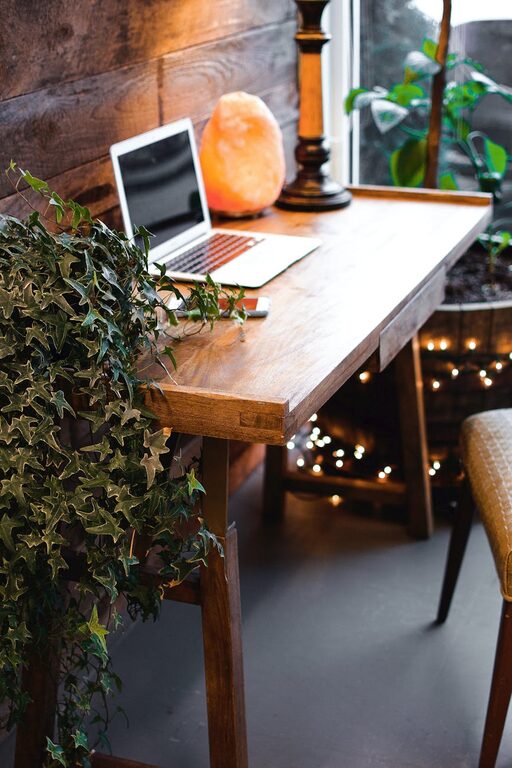
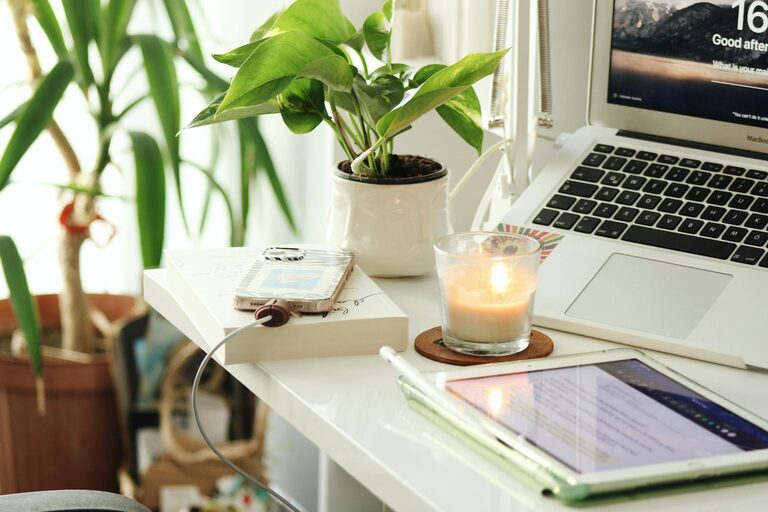
Indoor plants not only purify the air but also add a calming green element to your workspace. Easy-care plants like pothos, snake plants, or succulents are great choices.
Decorate with Meaning
Include pictures, artwork, or objects that inspire you. Keeping motivational quotes or your favorite photographs within sight can boost morale.
Organize for Efficiency
Declutter Regularly
Keep only the necessary items on your desk. Regular decluttering helps maintain focus and reduces stress caused by a messy environment.
Storage Solutions
Use shelves, filing cabinets, or drawer organizers to keep papers and office supplies in order. Label storage containers to save time when searching for items.
Cable Management
Tidy cables with clips, sleeves, or boxes to prevent tangles and maintain a clean look.
Optimize Lighting
Task Lighting
In addition to natural light, use adjustable desk lamps that provide focused lighting for reading or writing.
Warm vs. Cool Light
Choose lighting that matches your work needs. Cool white lights can help improve alertness for tasks requiring focus, while warm lights create a relaxed atmosphere.
Establish Boundaries for Work-Life Balance
Set Work Hours
Defining specific work times helps maintain balance and keeps your home office from becoming an “always on” space.
Use Physical Cues
When work is done, close the door or put away work materials to signal the end of the day.
Create a Transition Routine
Develop a habit such as stretching, changing clothes, or a short walk to mark the shift from work to personal time.
Incorporate Technology Wisely
Reliable Equipment
Ensure you have a good internet connection, a quality webcam, headset, and keyboard to avoid disruptions.
Minimize Distractions
Turn off non-essential notifications during work hours, and use apps or browser extensions to stay focused.
Conclusion
Designing a cozy and productive home office is about balancing comfort with efficiency. By paying attention to location, furniture, personalization, organization, lighting, boundaries, and technology, you can create a space that supports both your wellbeing and work performance. Take time to arrange your office thoughtfully—it’s an investment that will pay off every workday.