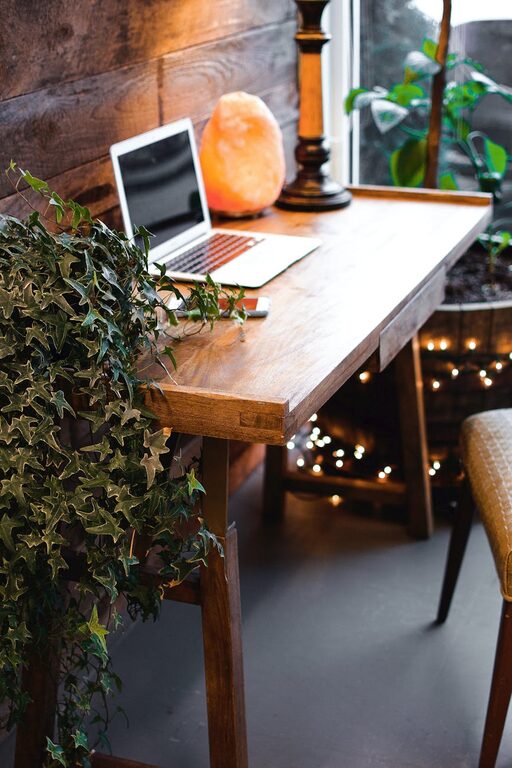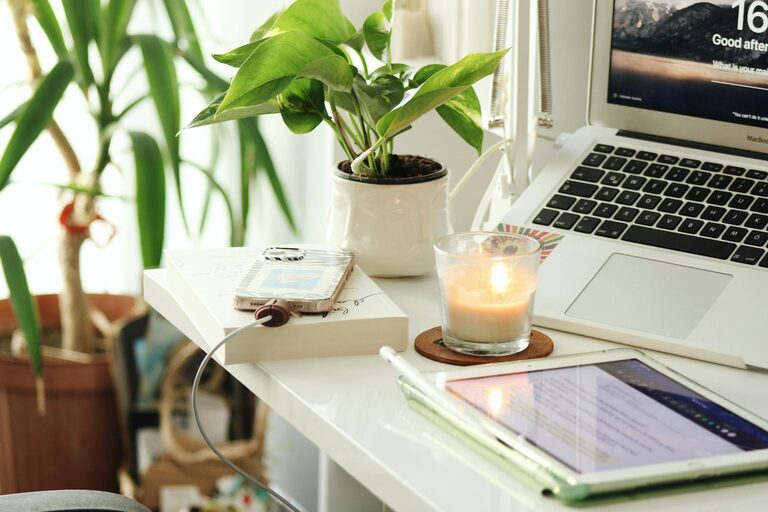

Creating a home workspace that is both organized and productive can significantly improve your work-from-home experience. A well-designed space helps reduce distractions, keeps you motivated, and ensures that your workday runs smoothly. Whether you have a dedicated room or a small corner, there are simple steps you can take to create an environment that supports your best work. This guide offers practical tips to help you design a workspace that maximizes efficiency and comfort.
Choose the Right Location
The first step to an effective home workspace is selecting the right spot. Ideally, choose a quiet area with minimal foot traffic and distractions. If possible, opt for a room or space near a window to take advantage of natural light, which can improve mood and reduce eye strain.
Consider These Factors:
– Avoid high-traffic areas or places with lots of noise.
– Make sure there is enough space for your desk, chair, and any necessary equipment.
– Check for easy access to power outlets for your devices.
Invest in Comfortable Furniture
Comfort is key when you spend long hours working. Invest in an ergonomic chair that supports your back and encourages good posture. Your desk should be the right height to keep your arms at a 90-degree angle while typing.
Furniture Tips:
– Use a desk with enough surface area to hold your computer, notebook, and other essentials.
– Consider a standing desk or adjustable desk converter to switch between sitting and standing.
– Add a footrest if your feet don’t comfortably reach the floor.
Keep Your Workspace Clutter-Free
Clutter can make it difficult to focus. Keep your desk clear by organizing your supplies, papers, and devices.
Strategies for Decluttering:
– Use drawer organizers or desktop trays for small items like pens, paper clips, and sticky notes.
– Regularly file or recycle unnecessary papers.
– Limit personal items on your desk to a few meaningful pieces that inspire you.
Optimize Lighting
Good lighting reduces eye strain and helps maintain energy levels throughout the day.
Lighting Guidelines:
– Position your desk near natural light if possible, but avoid glare on your computer screen.
– Use adjustable desk lamps to brighten your workspace when needed.
– Opt for daylight or cool white bulbs, which are best for focus and productivity.
Organize Digital and Physical Files
An organized digital filing system saves time when searching for documents.
File Management Tips:
– Create clear folder structures on your computer with intuitive names.
– Use cloud storage for easy access and backup.
– Keep a physical filing cabinet or organizer for important paper documents.
Minimize Distractions
Maintaining focus can be challenging at home. Establish boundaries to reduce interruptions.
Minimizing Distractions:
– Inform family members or housemates of your work schedule.
– Turn off non-essential notifications on your phone and computer.
– Use noise-canceling headphones or play background music if it helps you concentrate.
Personalize Your Space Thoughtfully
Adding personal touches can make your workspace inviting without creating clutter.
Ideas for Personalization:
– Add plants to improve air quality and add a sense of calm.
– Hang artwork or motivational quotes that inspire you.
– Use color schemes that promote focus, like soft blues or greens.
Establish a Routine and Take Breaks
An organized space supports your routine, but your habits matter too. Set regular working hours and take short breaks to rest your eyes and stretch.
Tips for Maintaining Routine:
– Start your day with a quick tidy-up of your workspace.
– Use techniques like the Pomodoro method (working in focused intervals) to stay productive.
– End your day by shutting down your computer and clearing your desk to mentally separate work and home life.
Use Technology Wisely
Leverage tools and apps that help with organization, communication, and task management.
Helpful Tools:
– Task lists or calendar apps for keeping track of deadlines.
– Collaboration software for team communication.
– Applications that block distracting websites during focused work time.
Keep Healthy Habits in Mind
Setting up your workspace to support healthy habits benefits both your body and mind.
Health Tips:
– Position your screen at eye level to prevent neck strain.
– Keep a water bottle nearby to stay hydrated.
– Incorporate small exercises or stretches into your breaks.
—
By following these tips, you can create a home workspace that is both organized and productive. A thoughtful workspace layout combined with good habits helps you stay focused, reduces stress, and enhances your overall work-from-home experience. Remember, your ideal workspace reflects your unique needs and preferences, so feel free to adjust these recommendations to suit your lifestyle.